Overview
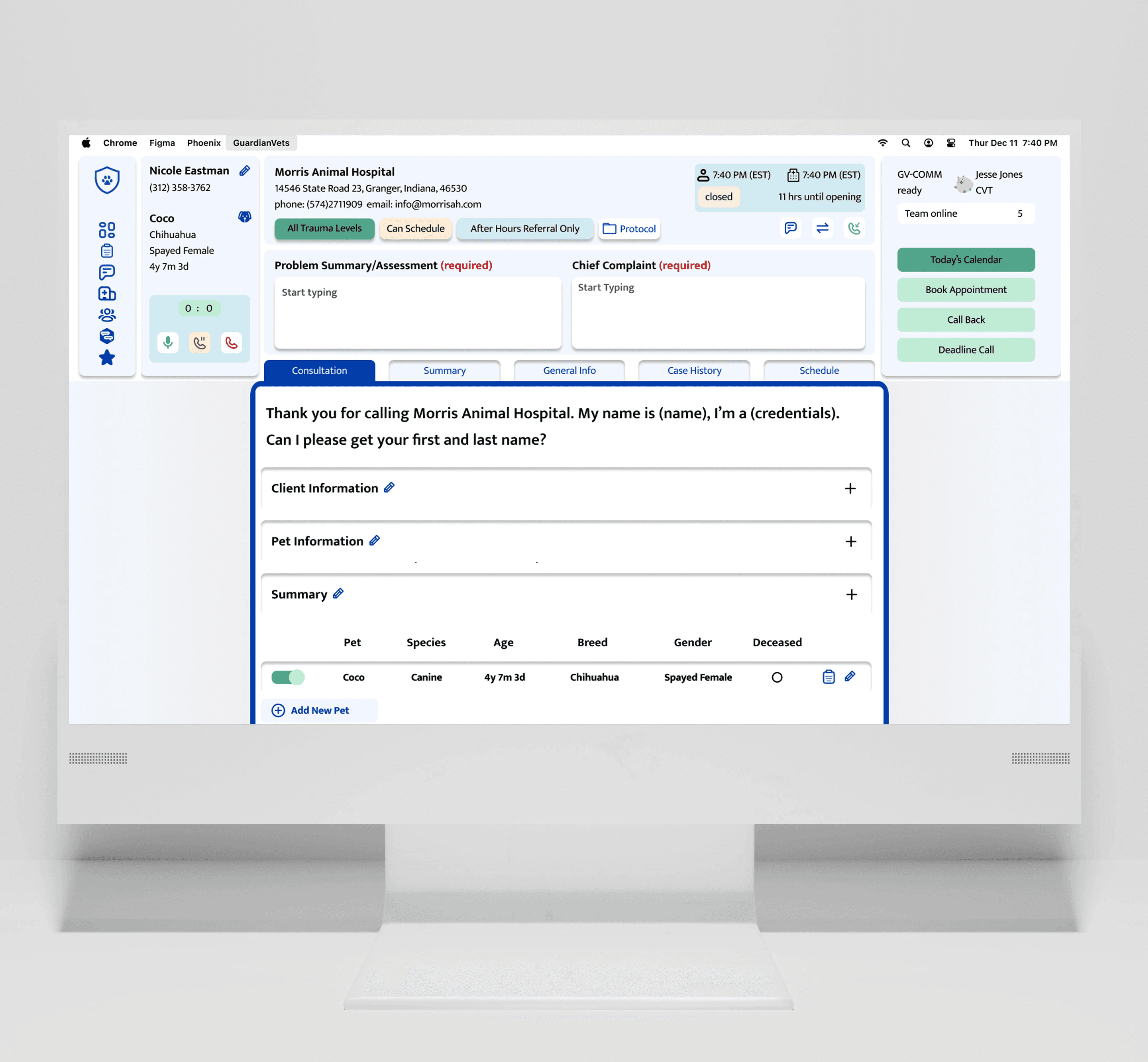
Working for B2B SaaS client, I participated in making a dashboard that improved user’s KPI by 56% reduction in the number of clicks
Process
Heuristic Evaluation, Journey Mapping, UI Audit, WCAG and Accessibility, Usability Test, Branching Logic
Industry
Vet Tech Dashboard
Client
GaurdianVets
Team
Carley Woods, Georgia Hamilton
Role
UX Designer





Tele‑Triage Through Systems Thinking
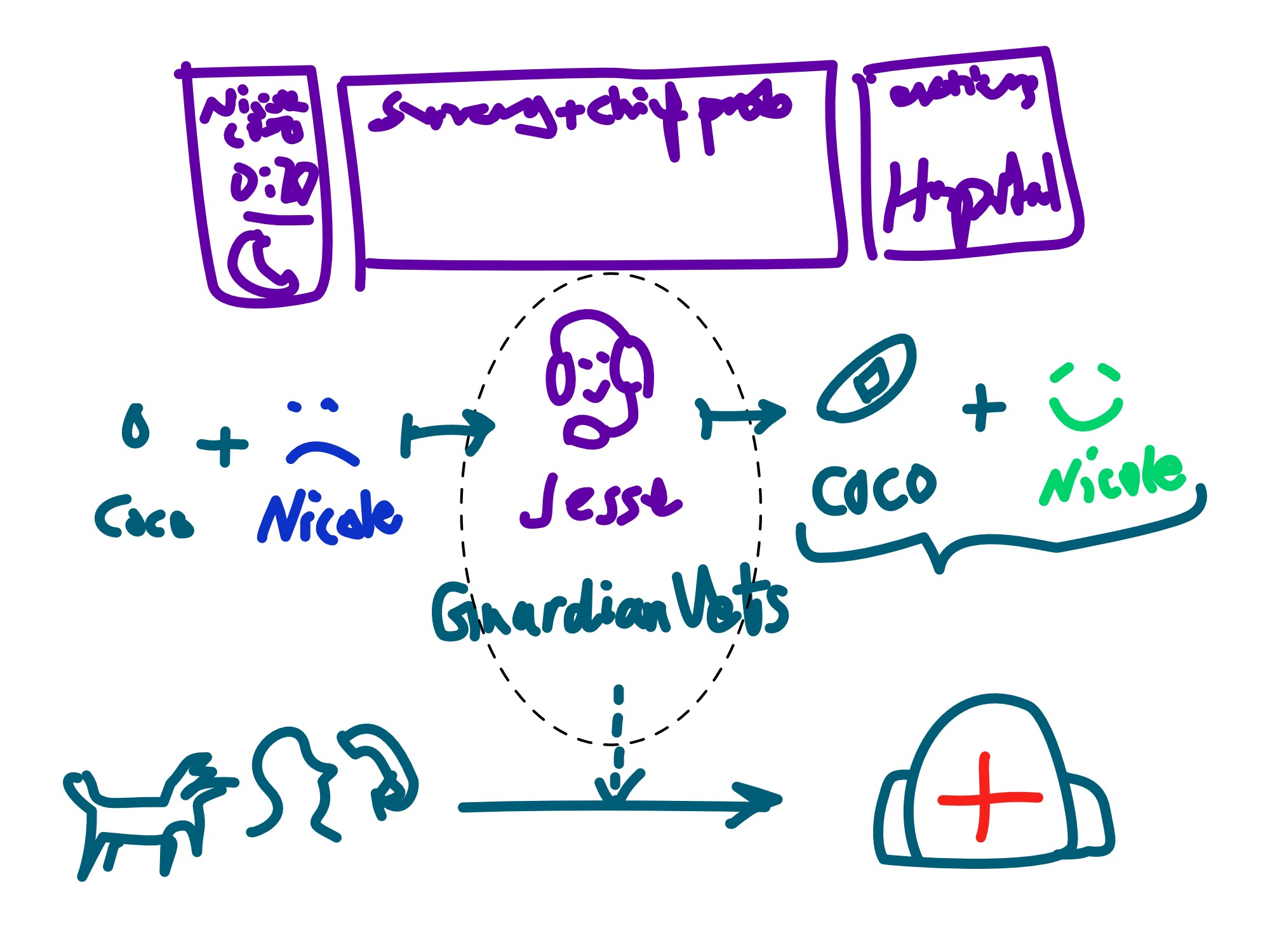
GuardianVets as the connective system between veterinary clinics and the pet owners who rely on them.
Their remote team of Certified Vet Technicians manages intake, triage, after‑hours calls, and appointment scheduling; acting as the first point of clarity during moments of urgency.
Research Method
Persona, User Journey, Branching Logic, WCAG, Usability Test
To build a solution that truly supported both overworked veterinary teams and anxious pet owners, I first had to dive into the high-stakes reality of emergency triage. My research focused on identifying the friction points in after-hours communication—where minutes matter and emotions run high. By conducting stakeholder interviews and analyzing existing clinic workflows, I aimed to uncover how technology could bridge the gap between immediate medical need and sustainable practice management.
Persona
Clinic Veterinary Technician
By synthesizing 6 interviews, we saw consistent patterns across every CVT and coach we spoke with. The insights validated the friction points: 100% feel there are too many clicks on the form, 83% find excessive "NEXT" clicks slow down the process 78% feel frustrated by the excessive scrolling and 67% want important information to be easily accessible. With all this, we created our primary persona.
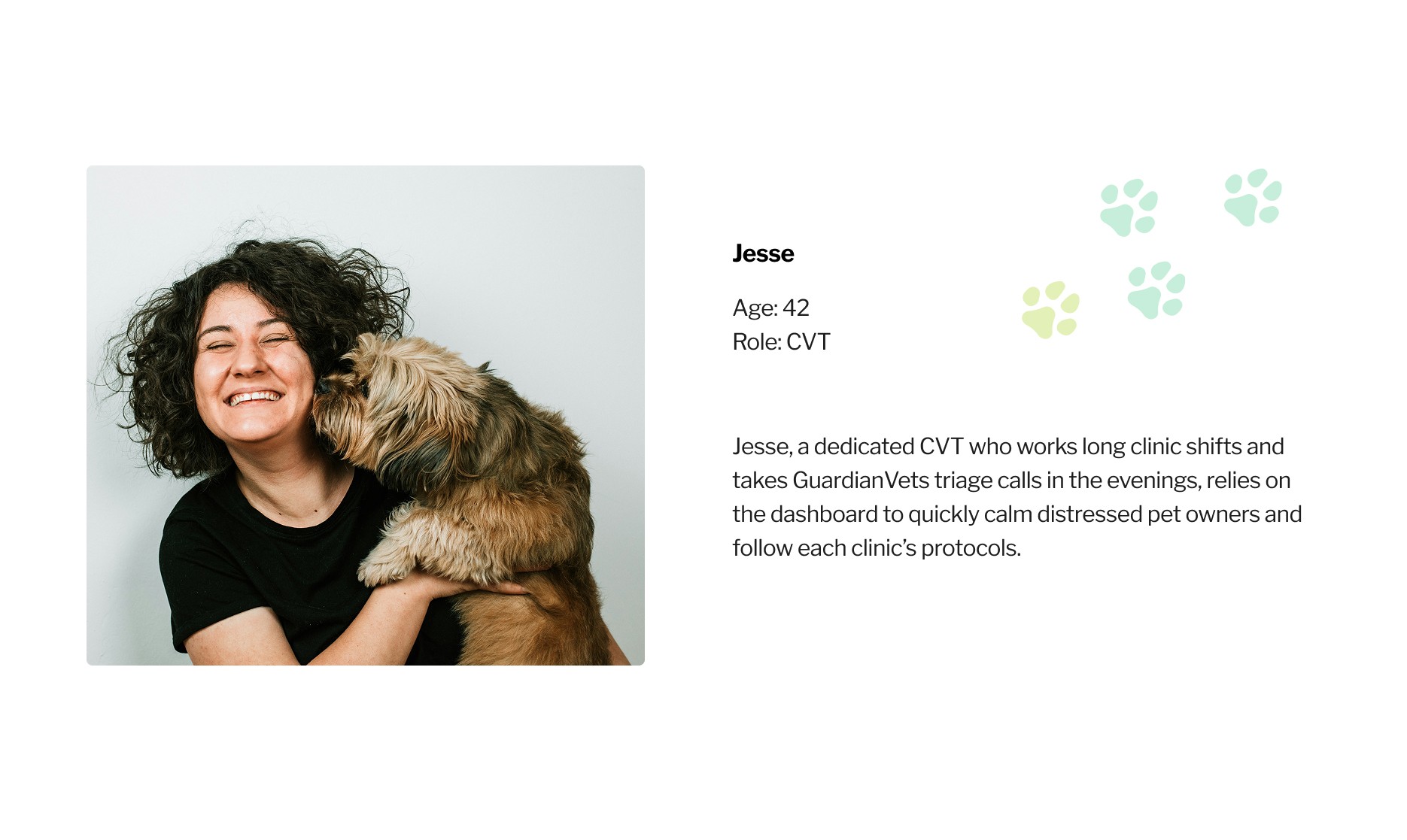
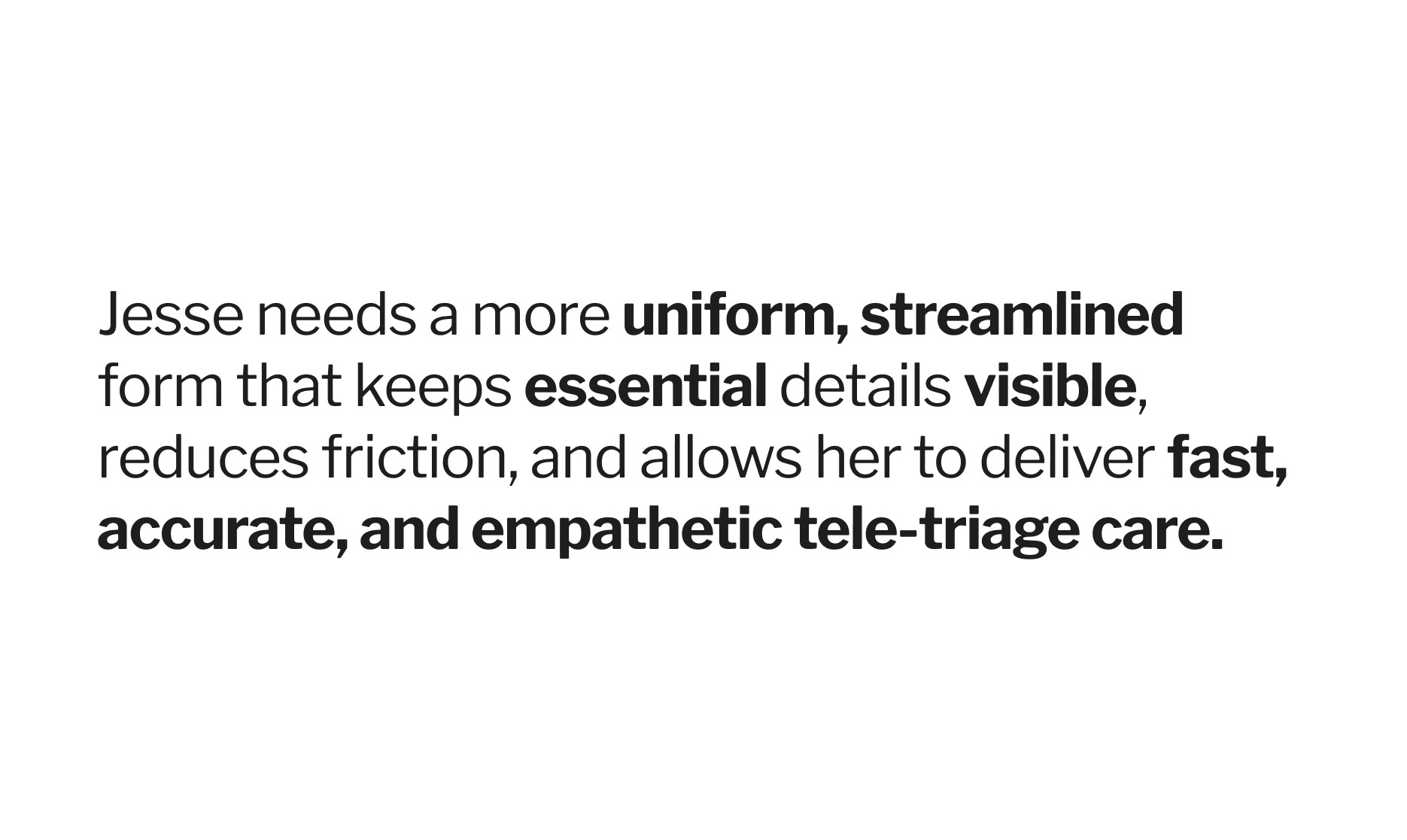

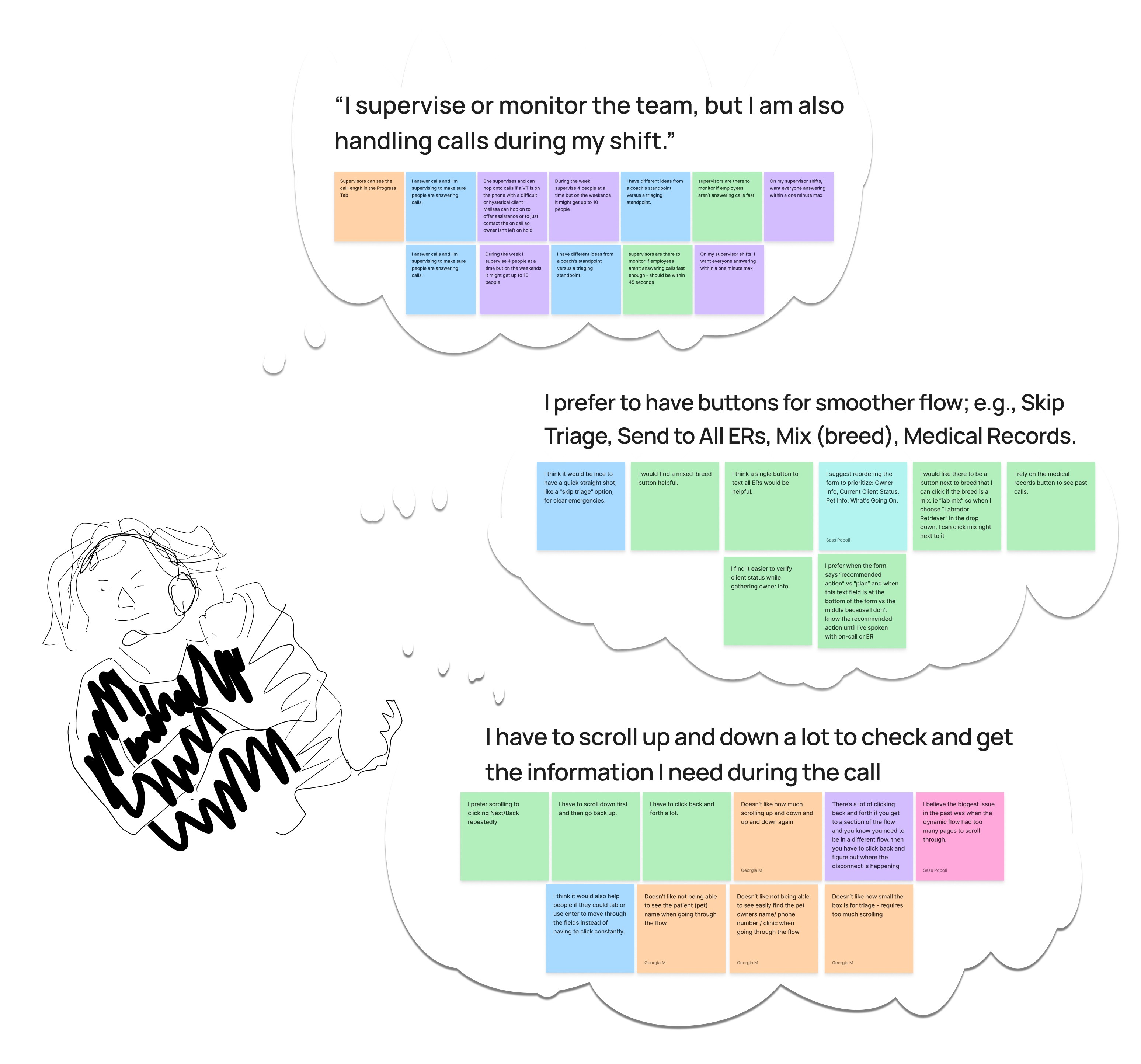
Highly trained and deeply empathetic, Jesse's a seasoned CVT who juggles daytime clinic work with evening triage shifts, often handling 8-10 calls an hour. But even with her experience, GuardianVet's current system works against her.
Branching Logic
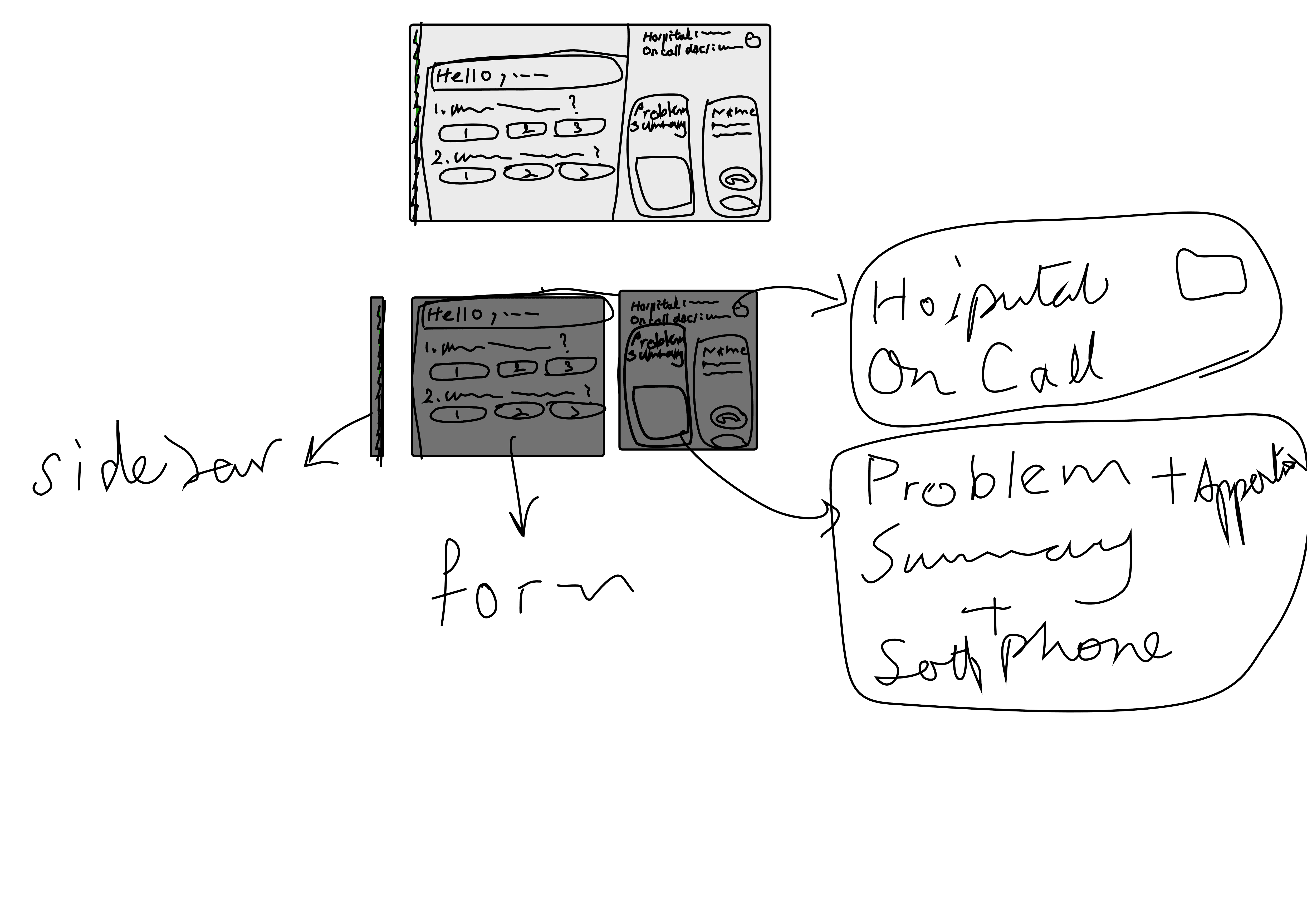
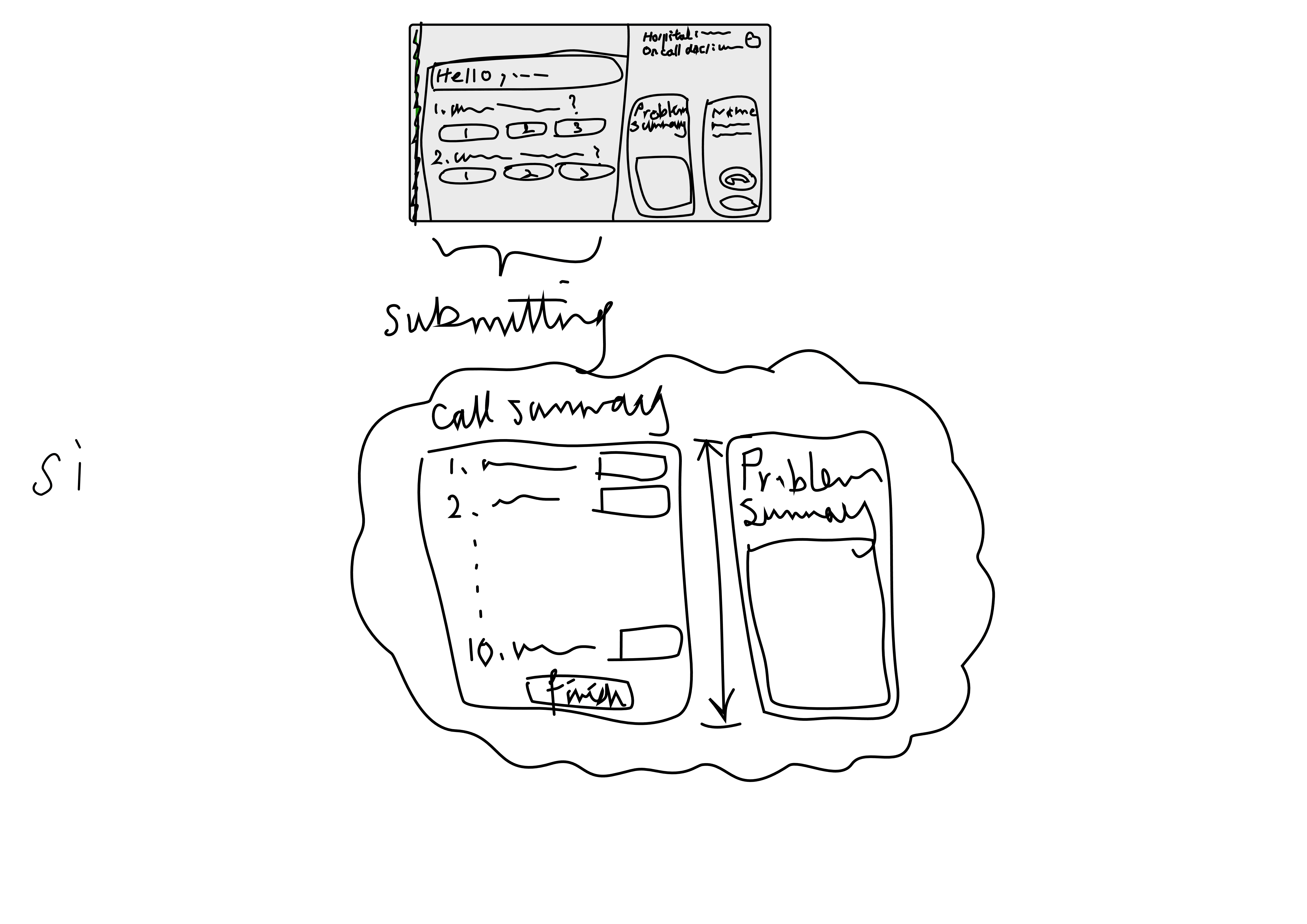
We did multiple audits of the information architecture and we were able to identify the issues. To get a deeper understanding of why these problems were happening, we extrapolated the branching logic to uncover root causes.
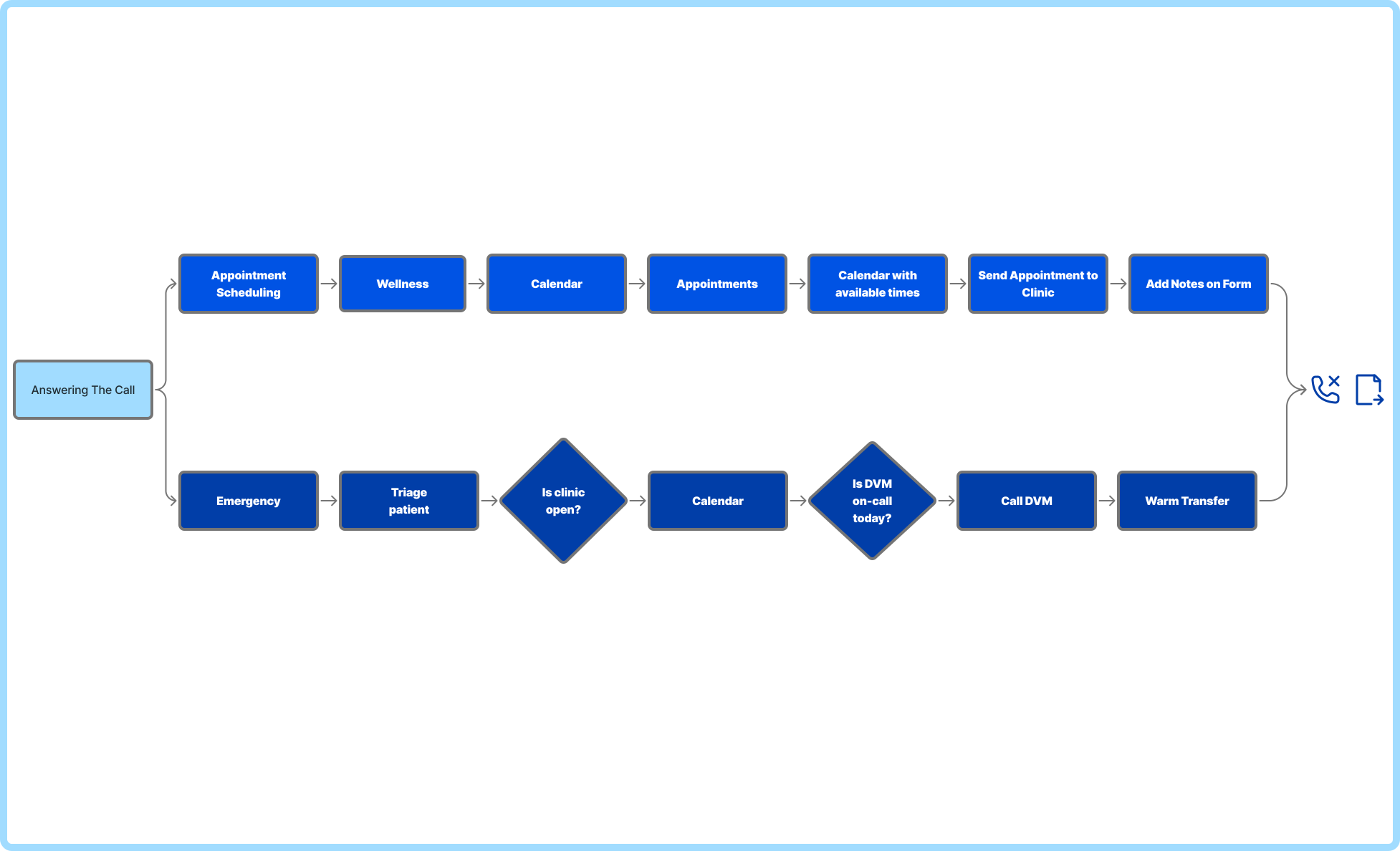
This video illustrated the branching logic; where these paths are embedded.
Web Content Accessibility Guidelines (WCAG)
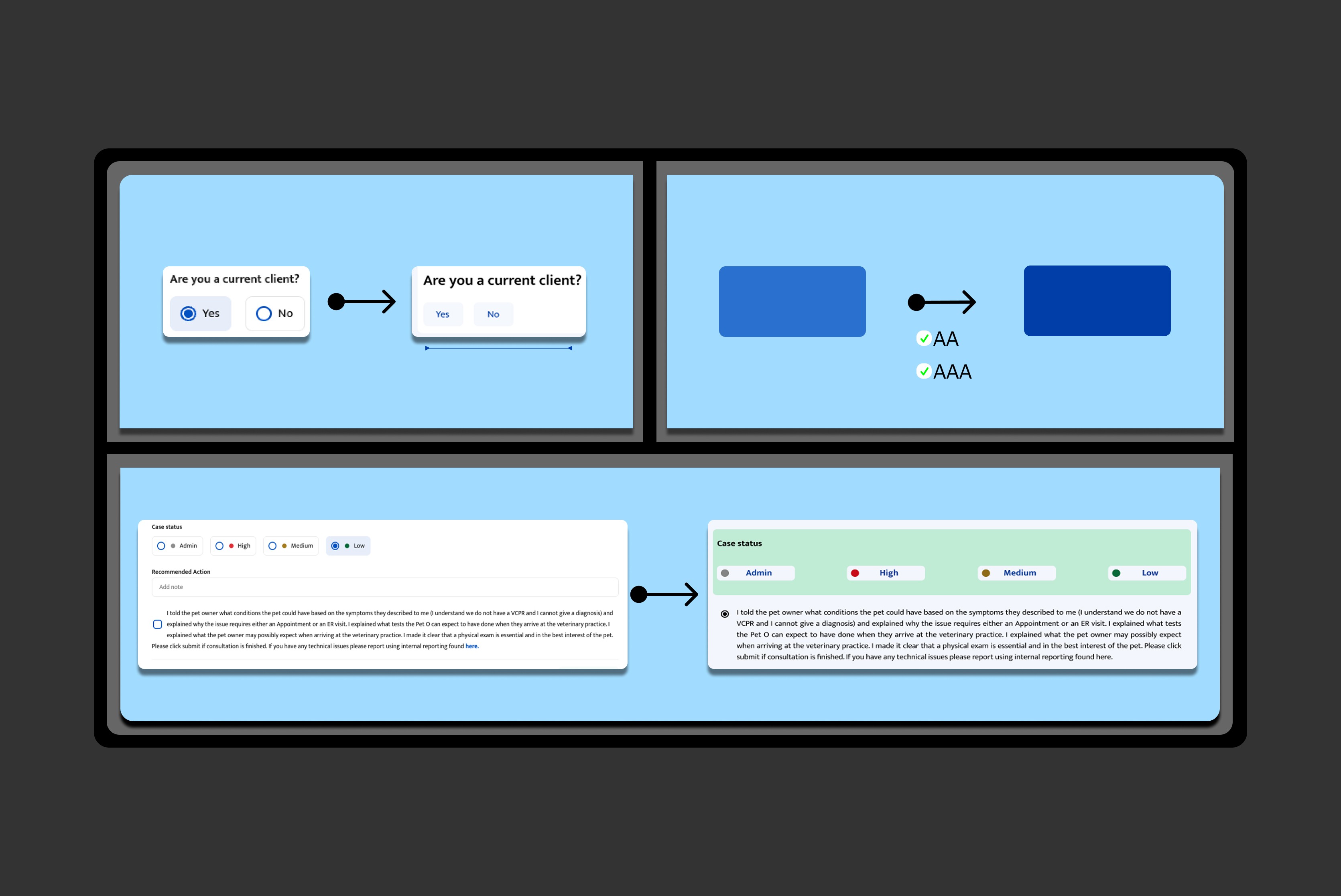
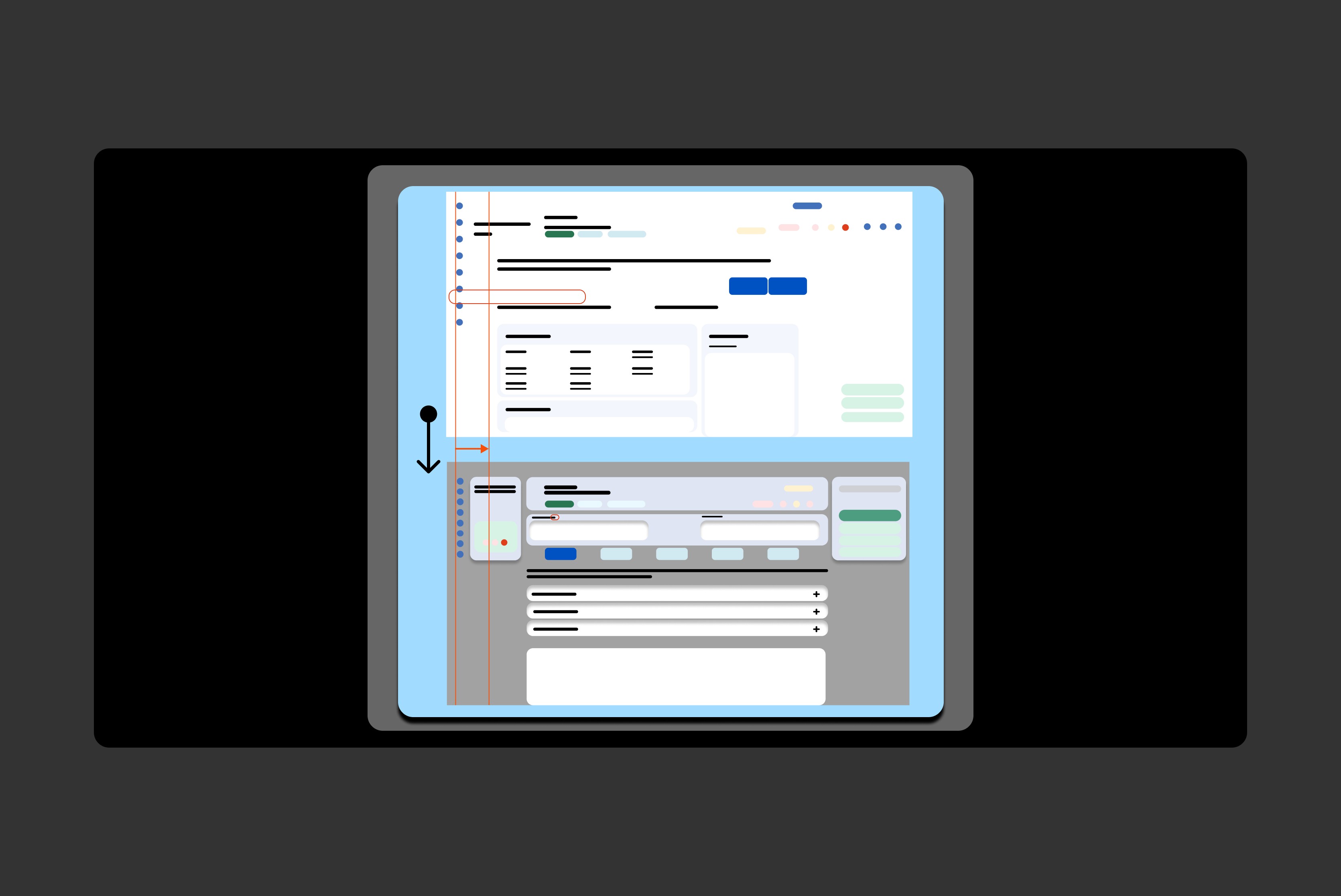
For example, by removing the radio buttons attached to yes and no, we have reduced this component's structure in favour of faster interaction. We made the colours darker to enhance the contrast and reach triple A compliance, and increased the scan-ability for Jesse by creating more space and alignment for visual and textual elements. The arrows that you see here designate visual accessibility with the original version and our design suggestions.
During our auditing, the first few things that came to our attention were part of extraneous load: misalignment, spread of information, unclear hierarchy, low contrast, and small font types which add to unpredictable patterns across the screen. For this matter, we made the font type bigger and created more contrast by changing the background colours.
Usability Test
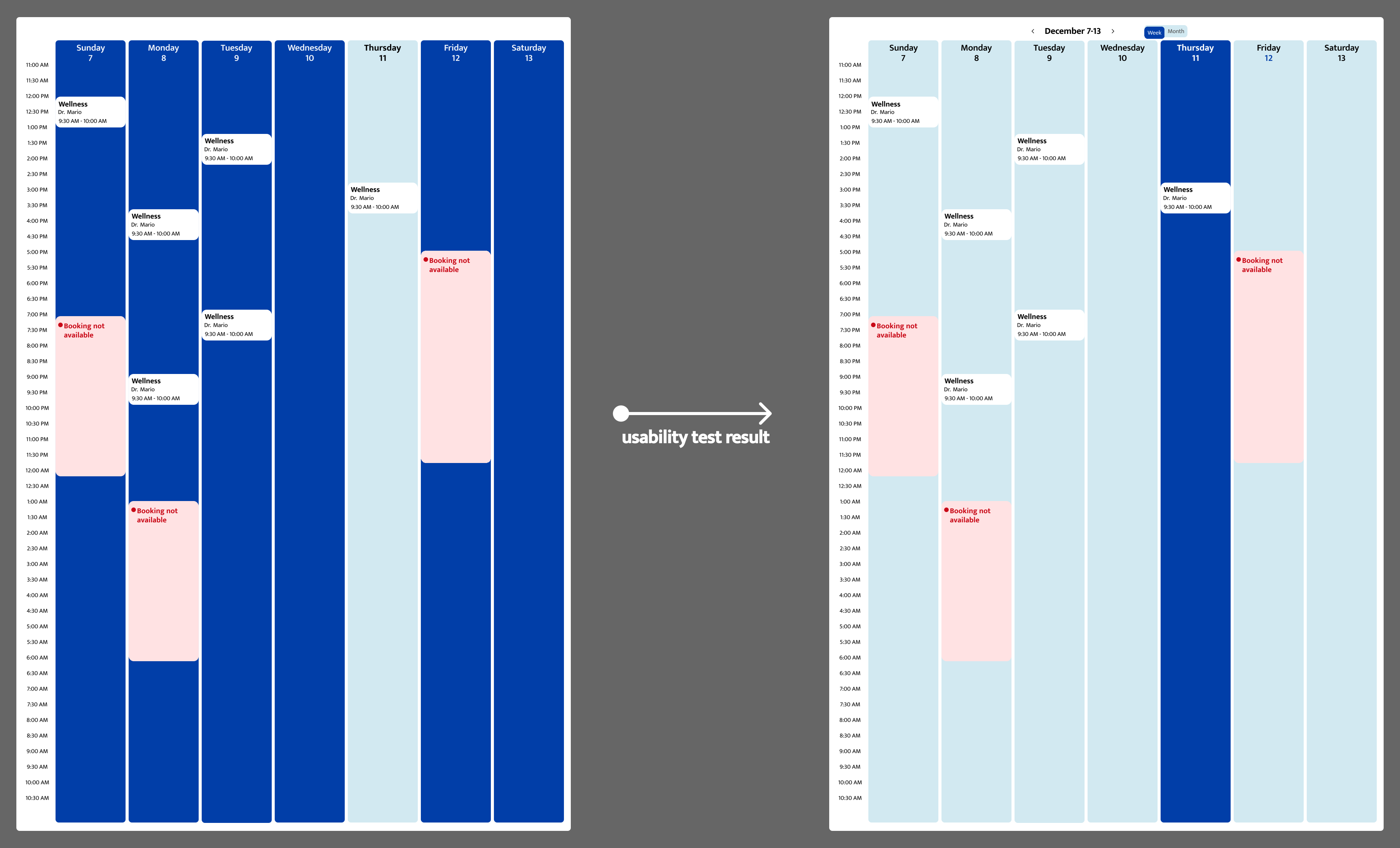
We did the usability tests with 6 CVTs.
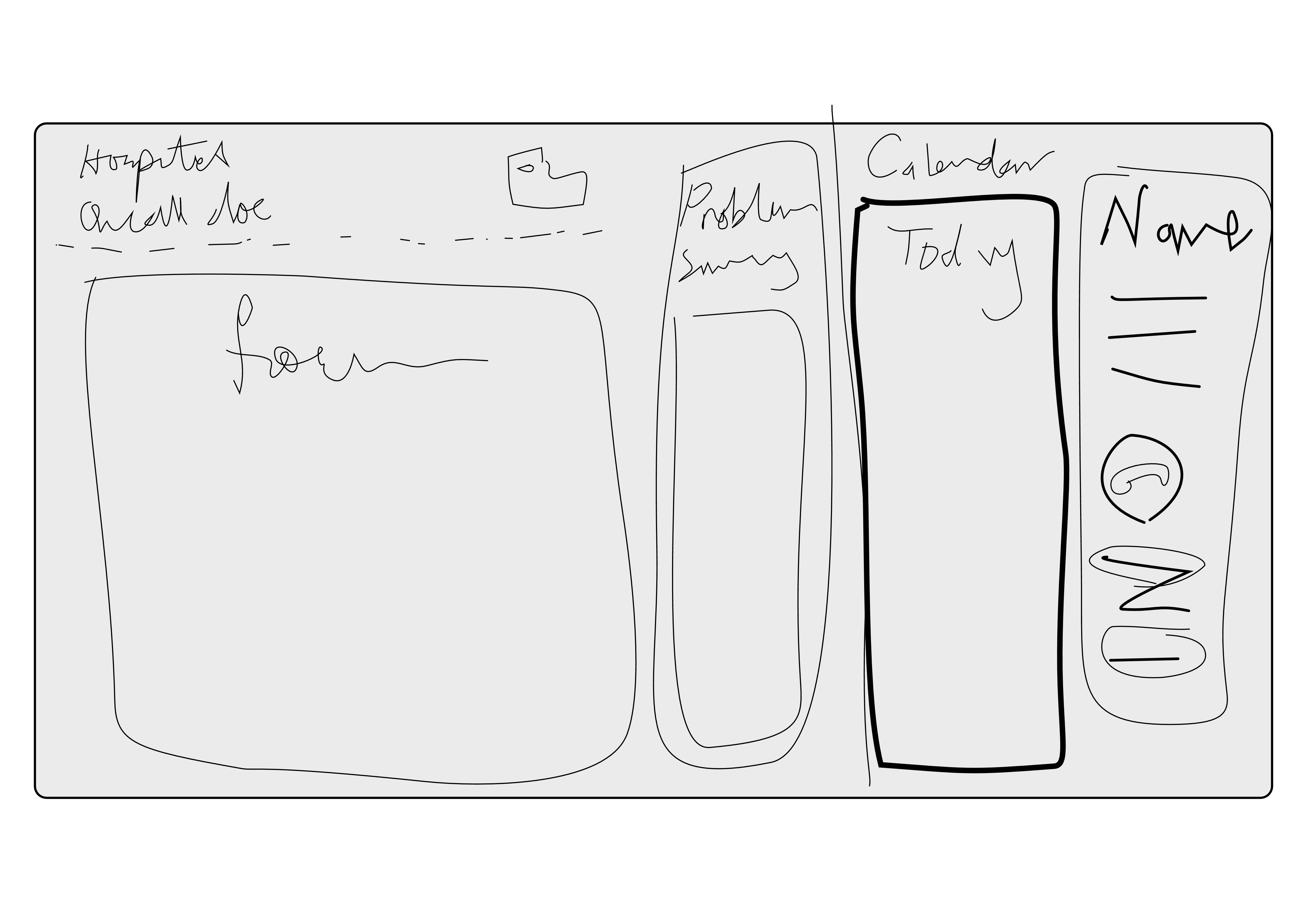
This part of the research helped us to improve the calendar. As most flows have interactions with calendars, in our usability test the CVTs appreciated our design choice of using the rich blue to emphasize today's column. They suggested that the ability to move into the next week or month is beneficial for making an appointment in the wellness task flow.
What Kept Our Design Impactful
Core priorities that shaped our design
1. Audit + Heuristic Evaluation We began by mapping the current experience end‑to‑end—surfacing usability gaps, workflow inconsistencies, and moments where cognitive load or ambiguity slowed triage. This allowed us to frame the problem space with evidence rather than assumptions. 2. Form Redesign with an Emphasis on Information Clarity Forms are the backbone of the triage workflow. We reframed them as decision‑support tools, redesigning how information is structured, sequenced, and surfaced to reduce friction and support faster, more confident technician responses. 3. Business Process Workflows + Standardization By visualizing the operational ecosystem, we identified opportunities to streamline handoffs, reduce variability, and create repeatable patterns that scale. Standardized workflows became the foundation for a more predictable and resilient triage experience.
Together, these priorities allowed us to approach the project not just as an interface design, but as a systems‑level opportunity to strengthen the entire tele‑triage journey.
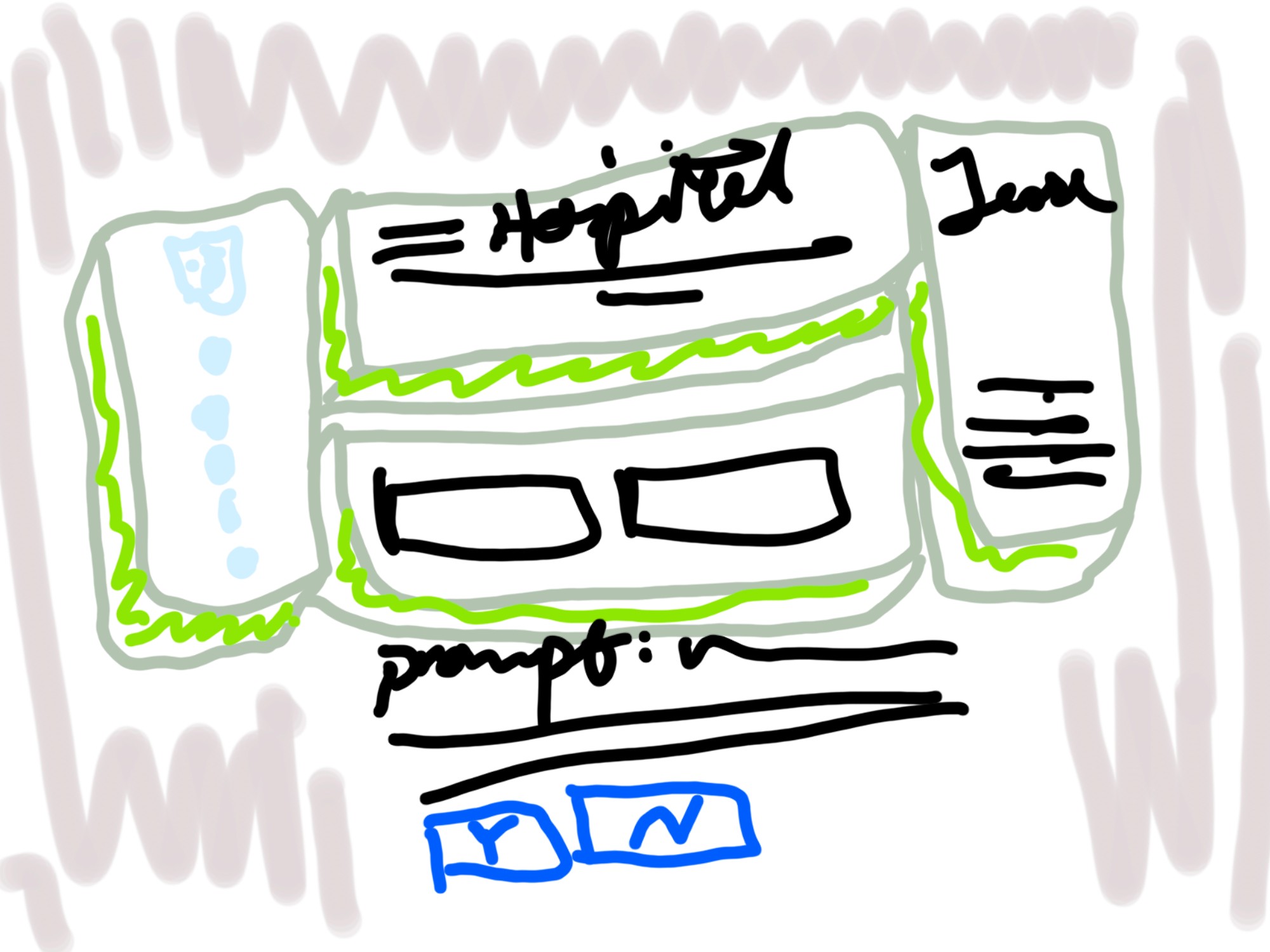
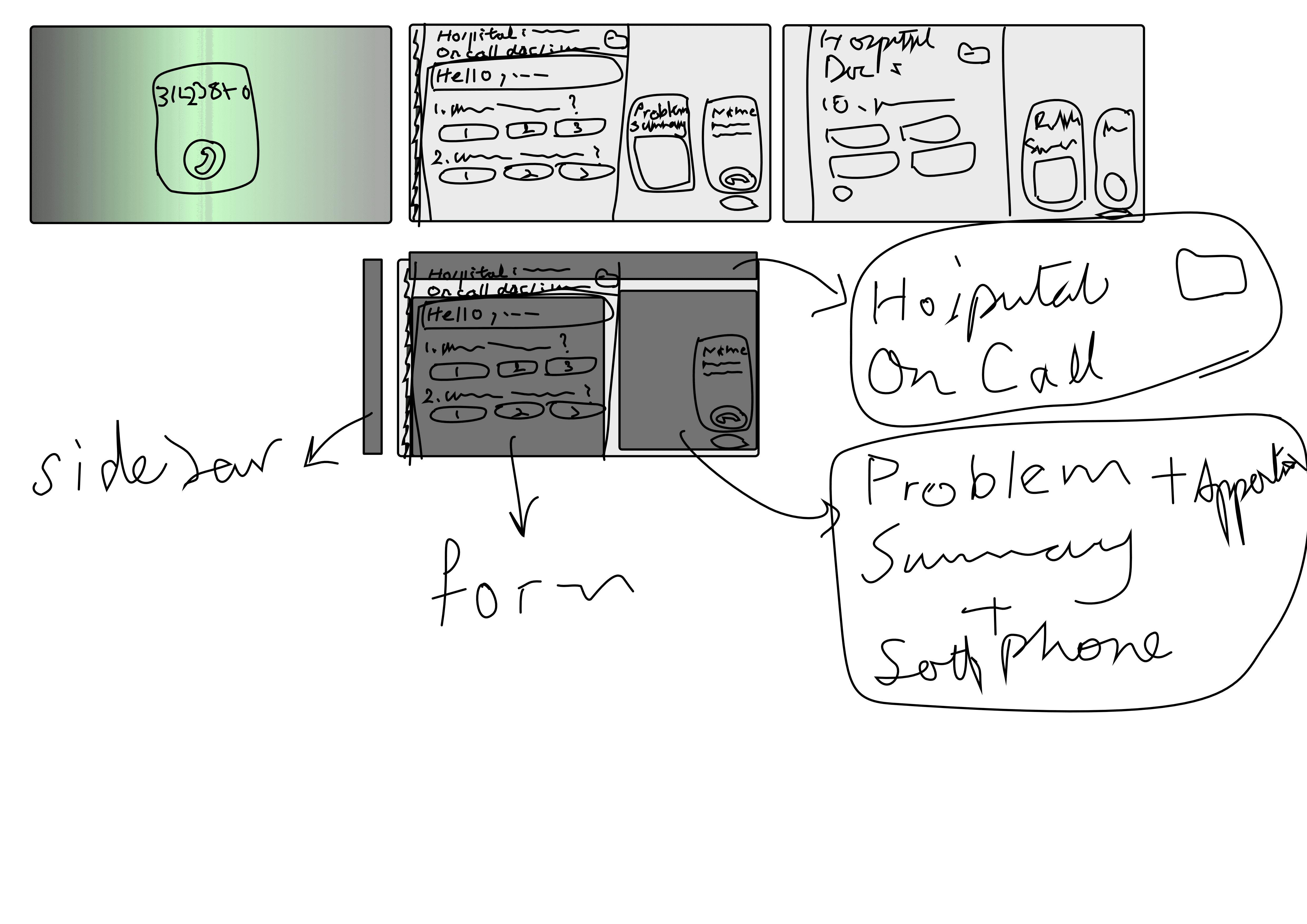
Here are some drawings that I made during this project!